View Your Character Sheet in The Forge
Updated May 21, 2026
1 min read
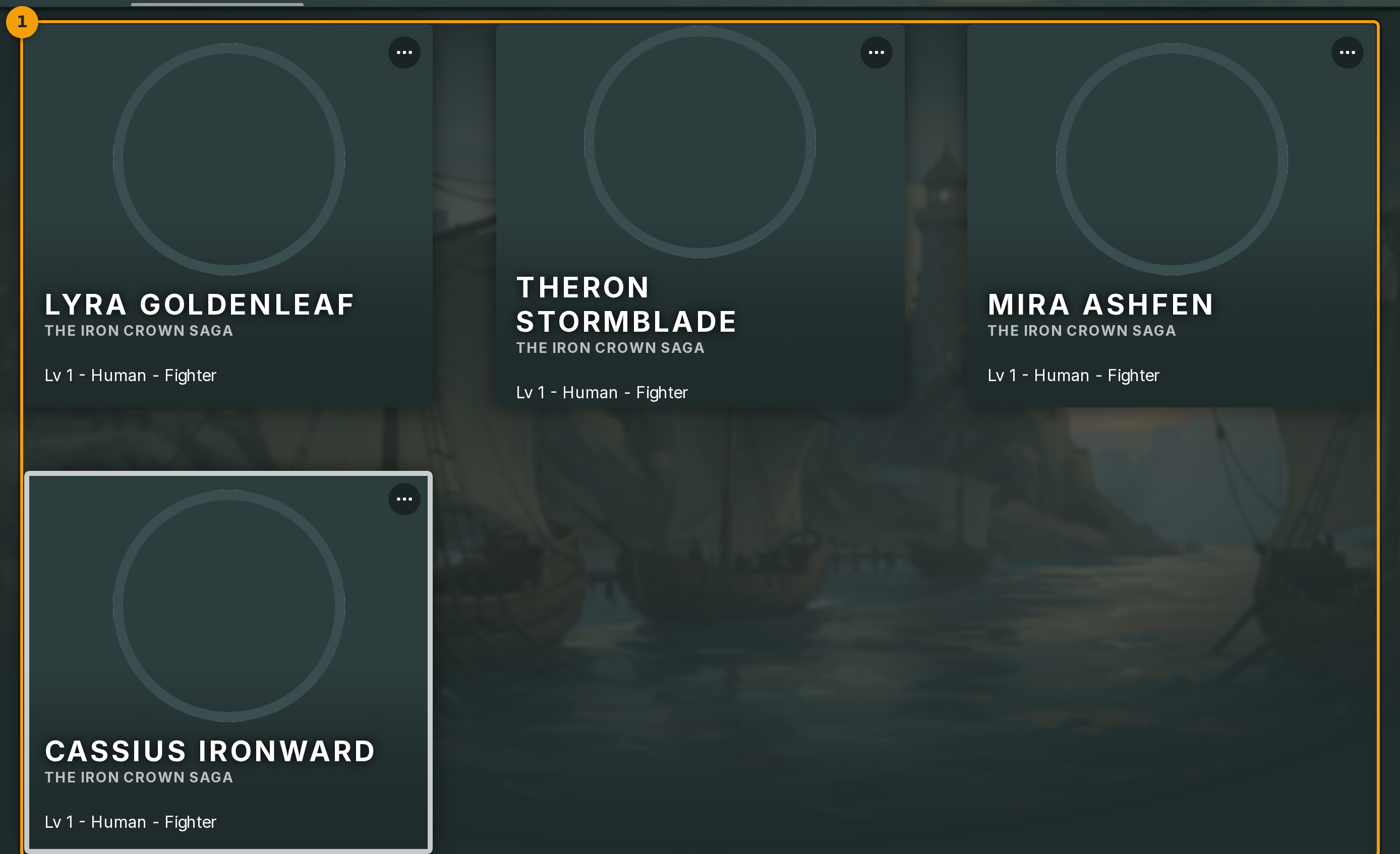
Step 1: Open the Characters page
Click Characters in the main navigation bar (badge 1). The page lists every character on your account as a card grid.
Each card shows the character name, game system, and a thumbnail. The sheet view is one click away from here.
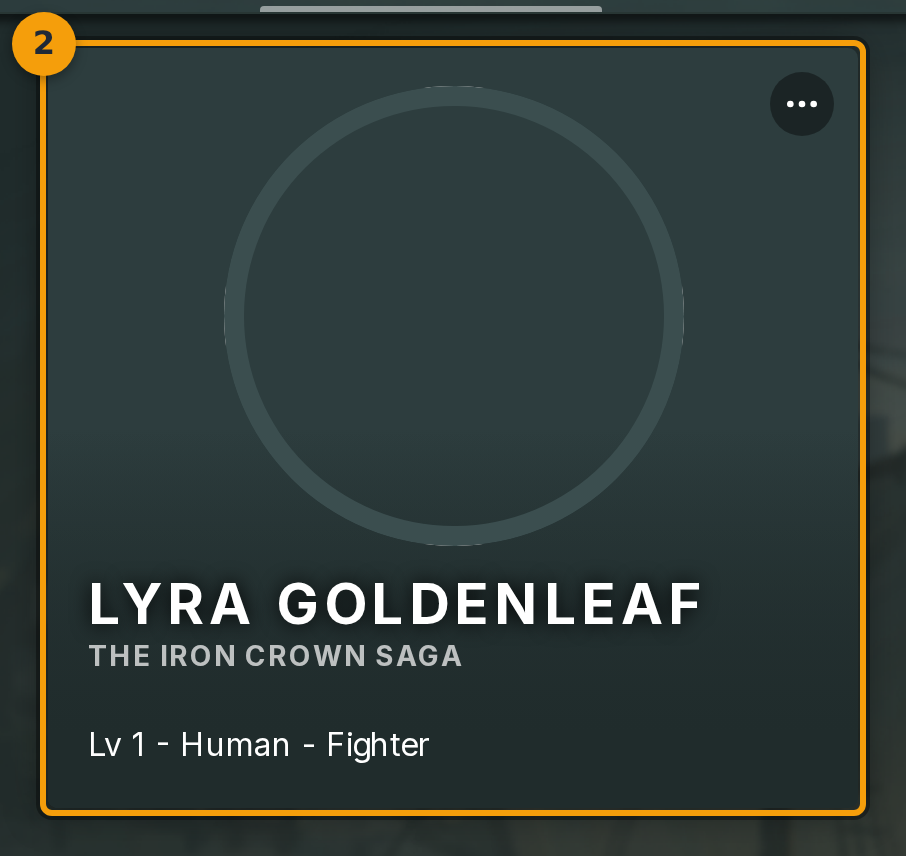
Step 2: Open a character sheet
Click anywhere on a character card (badge 2) to open its sheet. Fabled loads the full sheet view for that character.
If you want more options first, click the three-dot menu in the card corner. It exposes Sheet alongside Edit, Duplicate, and Archive.
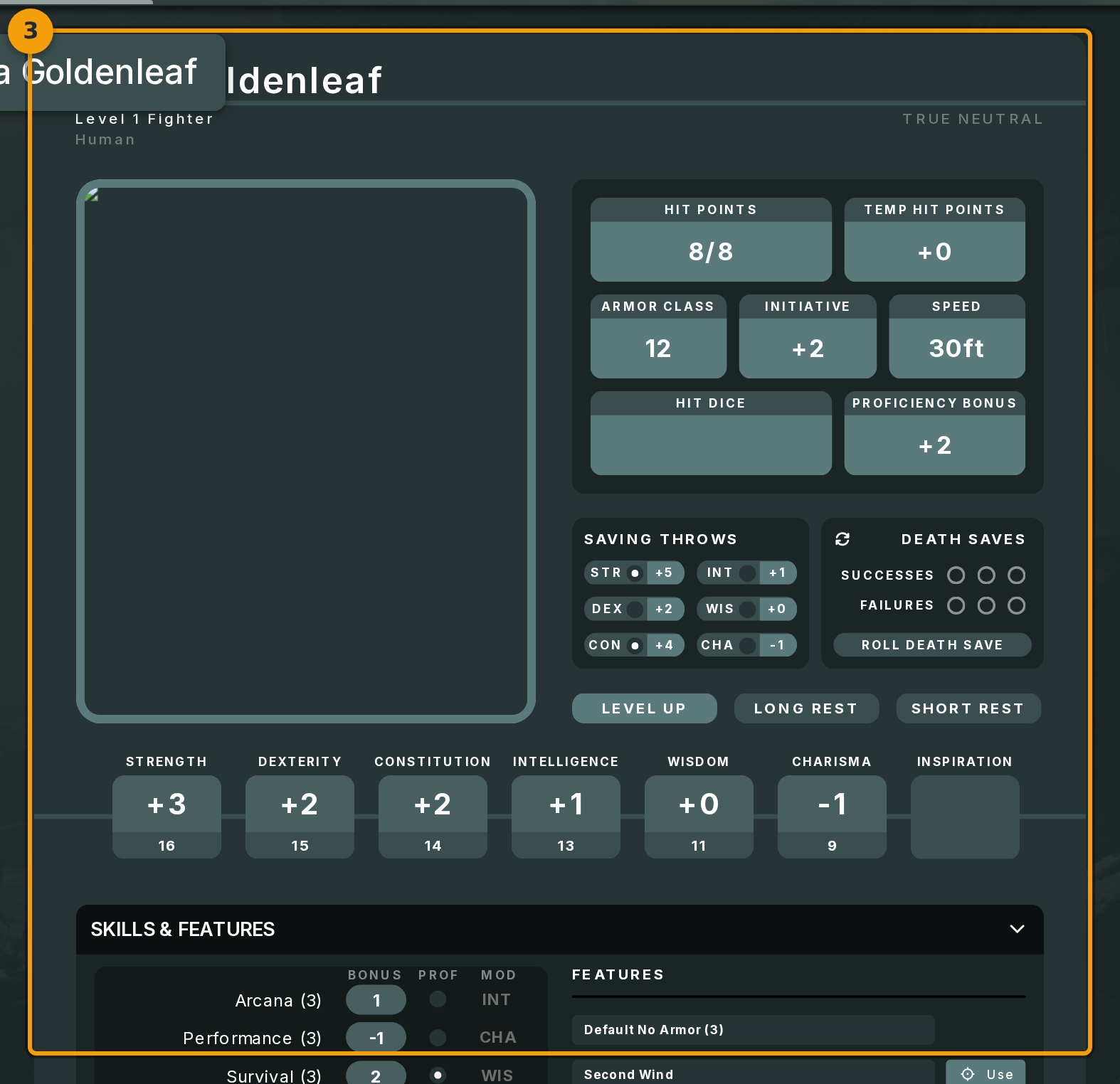
Step 3: Orient yourself on the sheet view
The sheet view (badge 3) displays your character's full record. Sections such as stats, traits, and equipment are laid out by the game system's framework.
Sections that accept input edit in place. Read-only sections display values the framework calculates automatically.