
Edit a Character's Details in The Forge
Updated May 21, 2026
1 min read
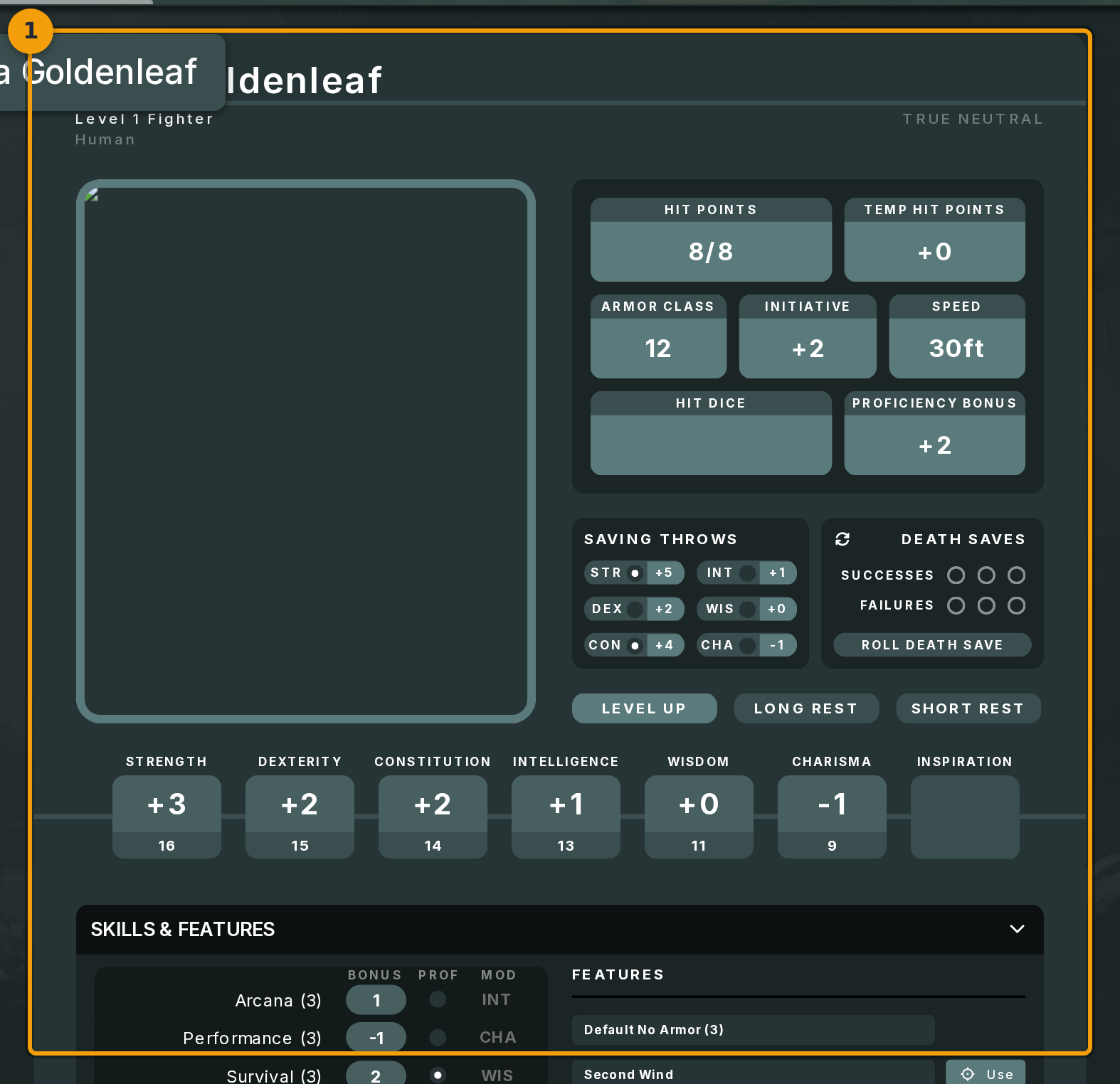
Step 1: Open the character sheet and select Edit Properties
Open your character's sheet from the Characters list or directly after creation. The sheet appears inside The Forge.
Click the menu in the top-left corner of the sheet (badge 1). Select Edit Properties from the menu. This opens the character editor for that sheet.
Step 2: Review the pre-filled editor form
The editor (badge 2) is the same framework-driven form used during character creation. Every field is pre-filled with the character's current values.

Step 3: Change a field value
Click any field (badge 3) and type your changes. The name field is a textbox at the top of the first section.
Edits are buffered in the form. Nothing is written to the character sheet until you commit the change in the final step.

Step 4: Step through sections and save
The editor is split into sections. Click Next (badge 4) to move through each section in order.
On the final section, click Save Changes. This commits all buffered edits, re-applies the framework, and updates the character sheet.
