
Apply to Become a Seller on the Marketplace
Updated Jul 22, 2026
2 min read
Step 1: Open the seller application form
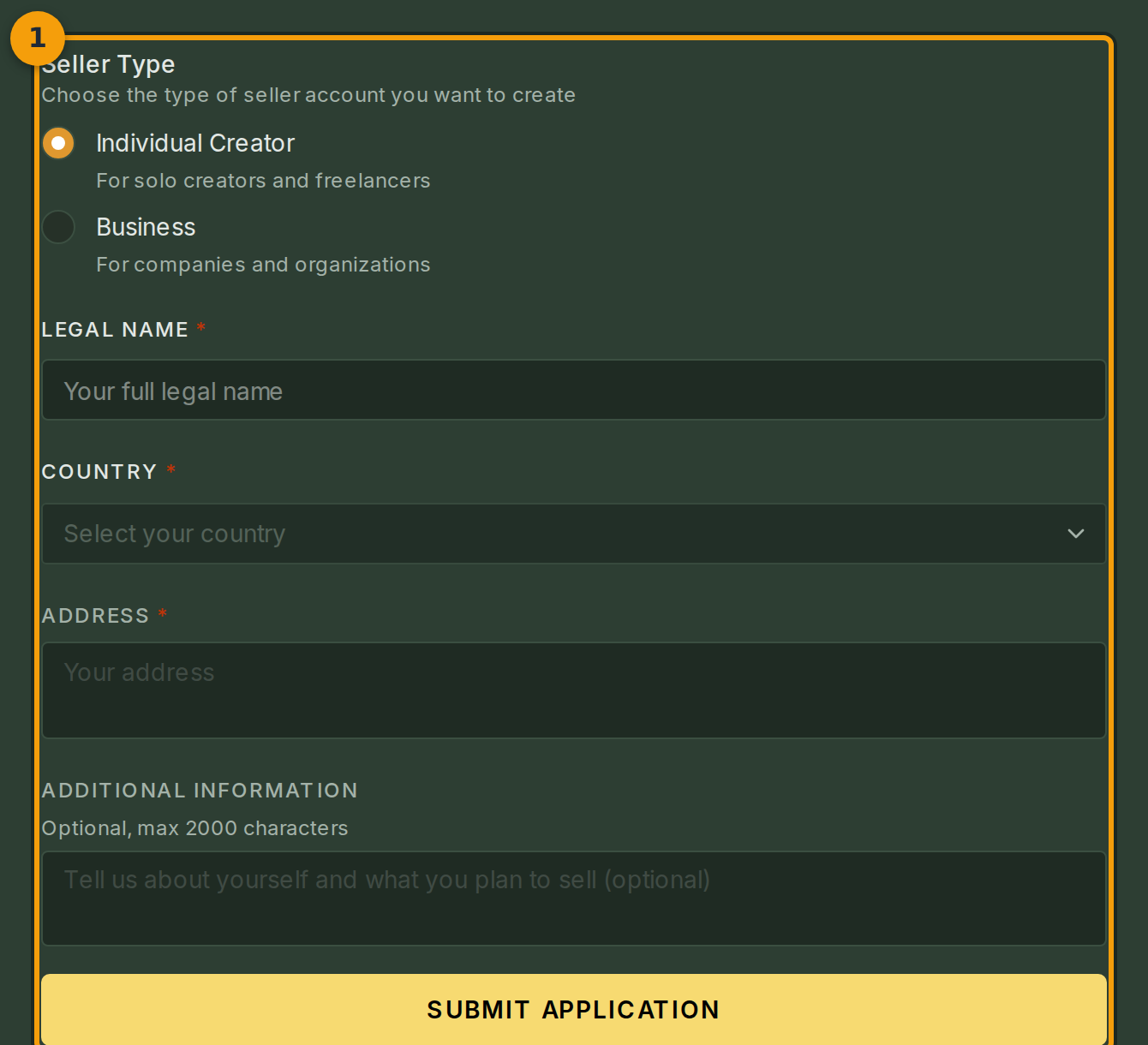
Open the marketplace and click Become a Seller (badge 1). The Apply to Become a Seller form loads as a single card.
The form has three required sections: seller type, legal name, and country. An optional Application Notes box appears at the bottom.
Step 2: Select your seller type
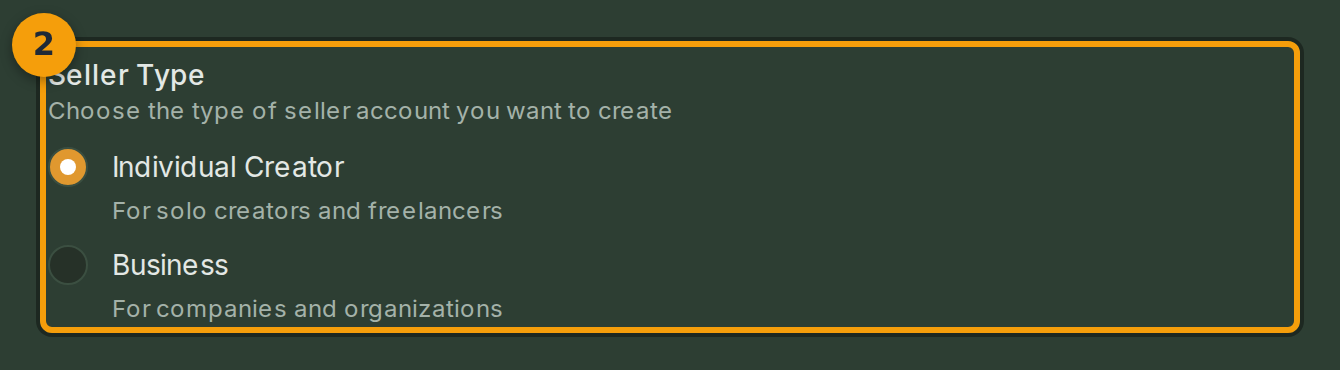
Click either Individual or Business in the seller type selector (badge 2).
Choose Individual if you are applying as a person. Choose Business if you are applying on behalf of a registered company. Selecting Business adds a Business Name field below the selector.
Step 3: Enter your legal name
Type your full legal name into the Legal Name field (badge 3). Use the exact name that appears on your tax forms or bank statements.

Step 4: Select your country
Click the Country field (badge 4) and select the country where your bank account or business is registered.
This choice determines which tax rules and payout options apply to your seller account. Pick the country carefully; you cannot change it after submission without contacting support.

Step 5: Submit your application
Click Submit Application (badge 5) once every required field is complete.
Your application enters the review queue. The page shows a Pending badge while the review is in progress. Review takes one to three business days. Fabled sends a notification when the result is ready.
