Add a Friend on Fabled
Updated Jul 22, 2026
1 min read
Step 1: Open the Add Friend modal
Go to your profile and select the Friends tab. Click Add Friend (badge 1) to open the search modal.

Step 2: Type the username you want to find
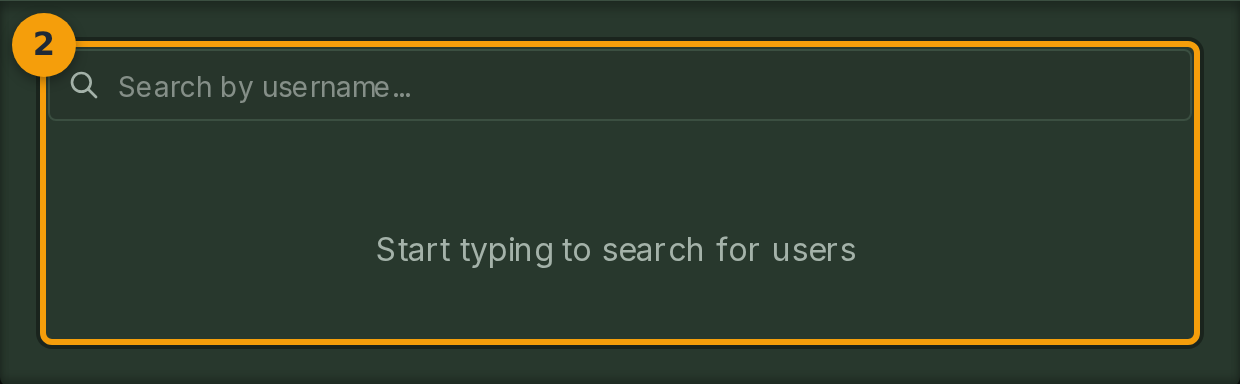
Enter the username of the person you want to add into the search field (badge 2). Fabled searches as you type and displays matching profiles below the input.
Usernames on Fabled include a numeric tag, for example Username#1234. Including the tag helps narrow results when a display name is common.
Step 3: Review the matching profile card
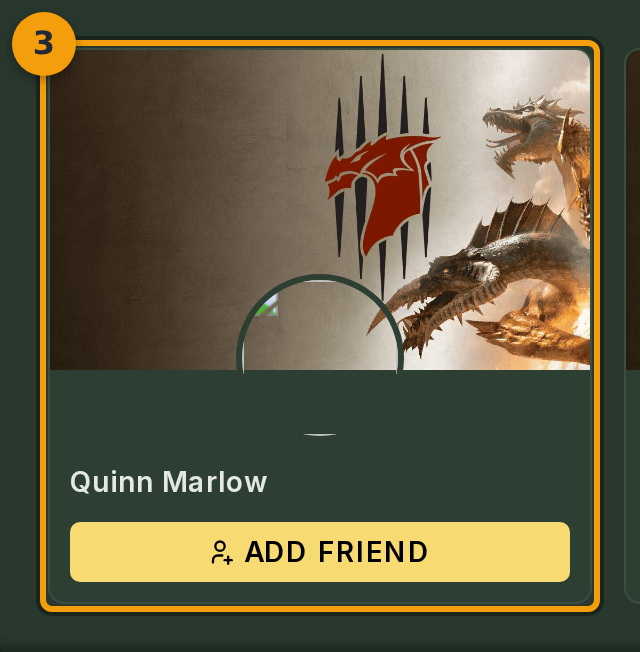
When a match appears, a profile card (badge 3) shows the user's banner, avatar, and display name. Check these details to confirm you have the right person.
Click the display name to open their public profile in a new tab if you need more information before sending a request.
Step 4: Send the friend request
Click Add Friend (badge 4) on the profile card to send the request.