Roll a Skill Check from Your Character Sheet
Aggiornato 20 mag 2026
1 min di lettura
Aggiornato 20 mag 2026
Passo 1: Open your character sheet
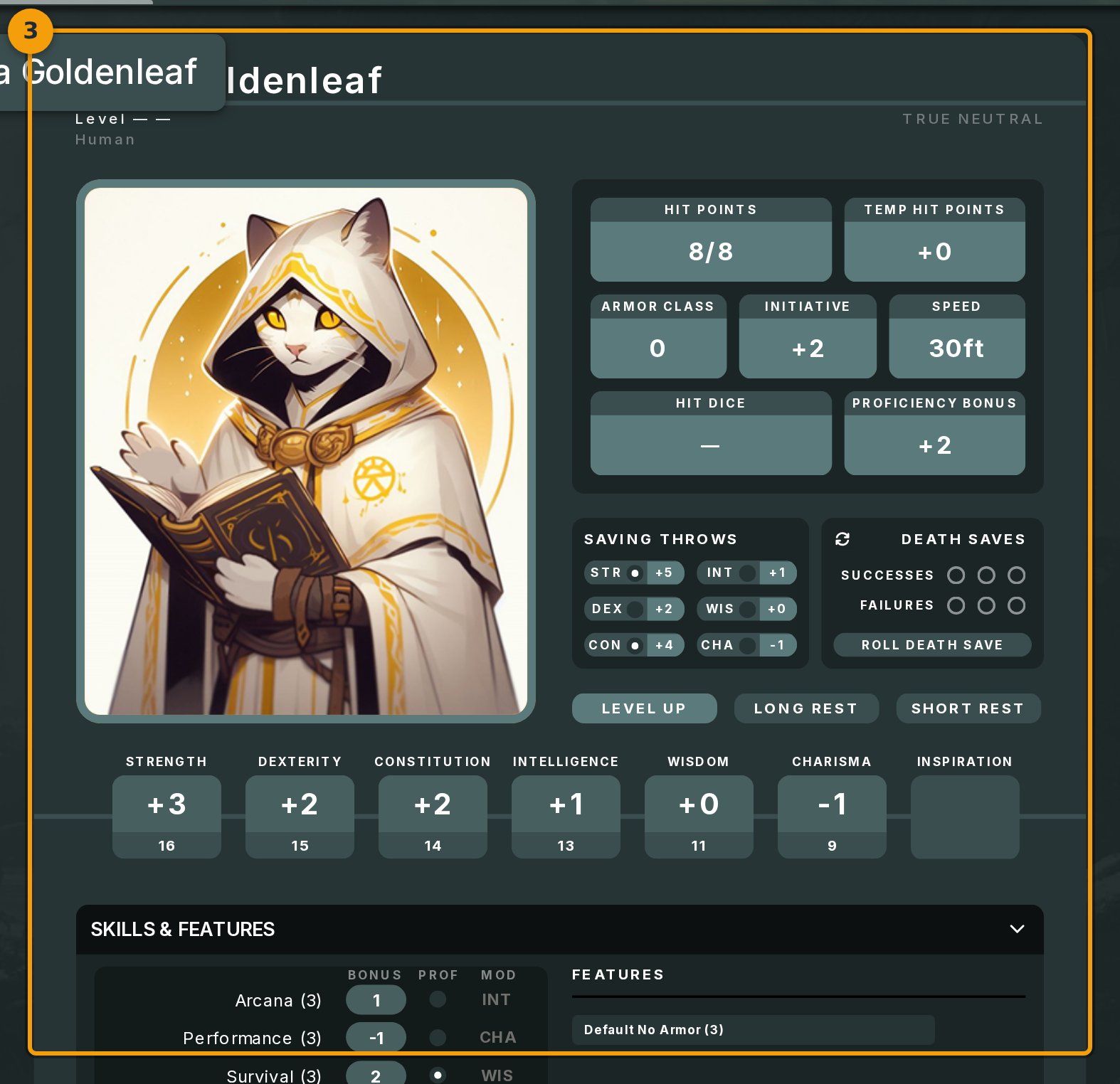
Open The Forge and select the character whose skill you want to roll. The character sheet lists every skill the framework defines. For D&D 5e, that includes Athletics, Acrobatics, Perception, Stealth, and the rest of the standard list.
Each skill row shows a modifier value. That number is what Fabled adds to the d20 when you roll (badge 1).
Passo 2: Click the dice icon next to the skill
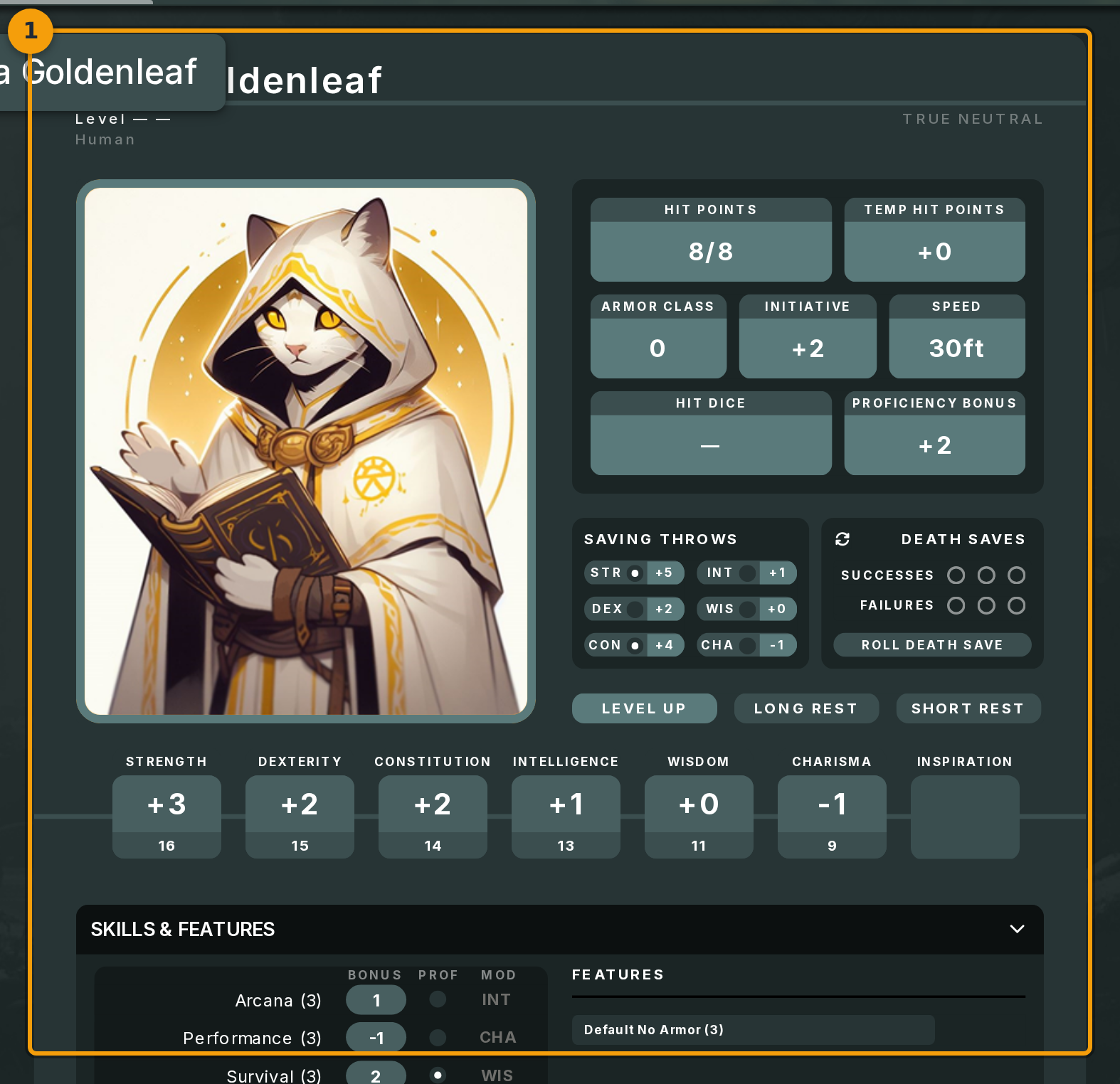
Click the dice icon beside the skill you want to roll (badge 2). Take Perception as an example: you would click its dice annotation when trying to spot a hidden trap.
Fabled reads the modifier displayed inline on that row and passes it to the active campaign's dice tray automatically. You do not need to type a value.
Passo 3: Read the result in the chat log
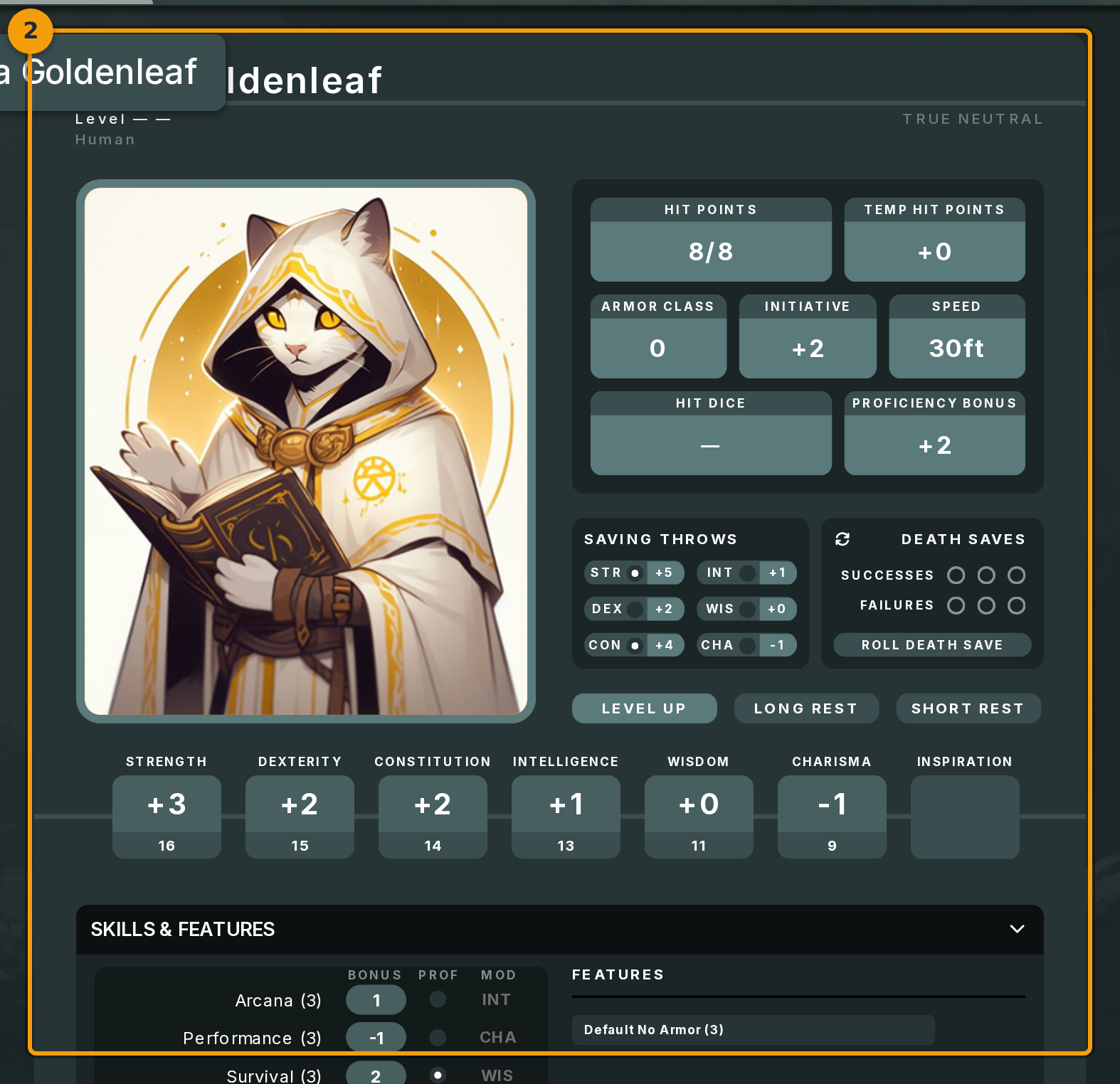
After you click, the dice tray in the Unity canvas tumbles a d20 (badge 3). The breakdown appears in the campaign chat log immediately.
The log entry shows the d20 face value, your skill modifier, and the final total. The GM and every other player in the session can see the same entry.
The format matches the output of a manual /roll command, so it fits naturally into the existing chat history.