Create a Campaign in Fabled
Updated Jul 22, 2026
1 min read
Step 1: Open the campaign creation wizard
Go to the Campaigns list in Fabled. You will see any existing campaigns here, or an empty state if this is a new account.
Click Create New Campaign (badge 1). The creation wizard opens.
Step 2: Choose a game system
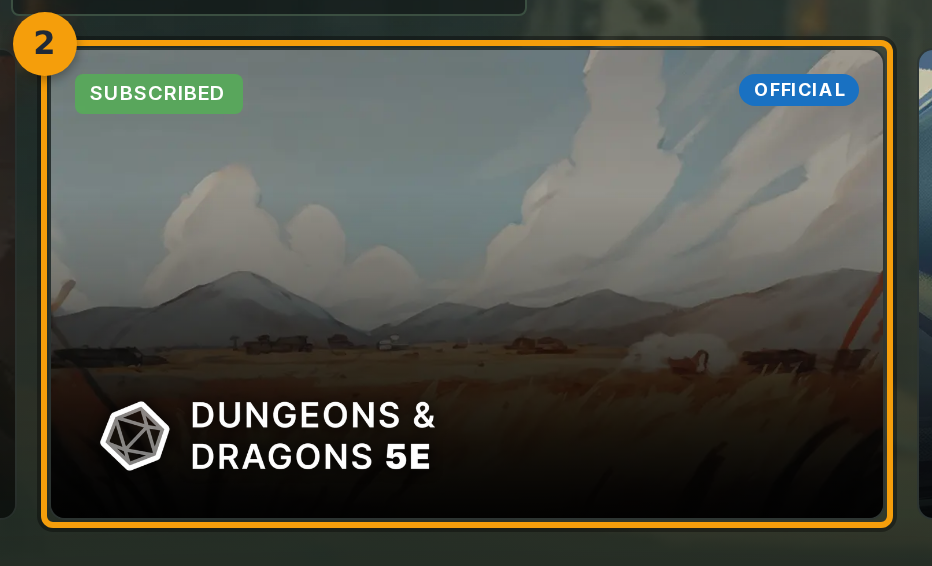
Select a system card (badge 1) from the options shown. Each card represents a ruleset preset.
Click the card that matches the ruleset your campaign will use. The selected card is highlighted and the wizard enables the next step.
Step 3: Name your campaign
Click the Campaign Name field (badge 1) and type a name. A name is required to advance.
The description and tags fields below the name are optional. Fill them in now or leave them for later.

Step 4: Confirm gameplay settings and create the campaign
Review the gameplay settings. When everything looks correct, click Next (badge 1). Fabled creates the campaign and moves the wizard to the Members tab.
Step 5: Invite players to your campaign
The Members tab opens automatically after the campaign is created. Use it to add players before leaving the wizard.
Enter a player's email address in the invite field, or copy the invite link and share it directly. Players who accept the invitation appear in the members list.