Contact Fabled Support
Updated Jul 22, 2026
2 min read
Step 1: Open the Contact page
Open /contact in your browser, or scroll to the footer of any Fabled page and click the Contact link there.
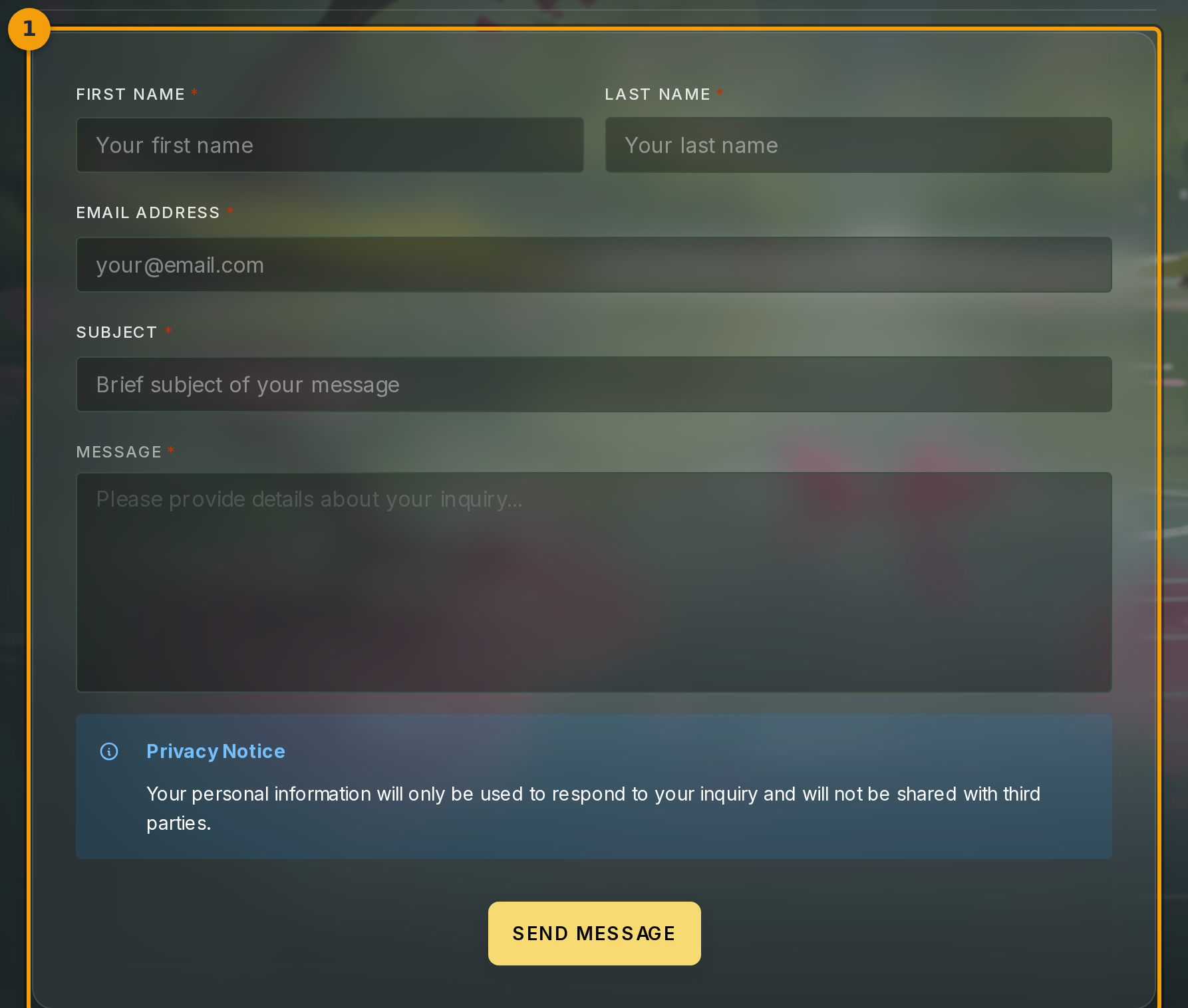
The page loads a single card (badge 1) with the heading SEND US A MESSAGE. All form fields sit inside this card. Fill them from top to bottom, then submit.
Step 2: Enter your first and last name
Type your first name into the First Name field and your last name into the Last Name field (badge 2). Both fields are required.
The support team uses this to address you by name in their reply, so avoid leaving either field blank or using a placeholder.

Step 3: Enter your reply-to email address
Click the Email field (badge 3) and type the address where you want the reply delivered.

Step 4: Add a subject line and describe your issue
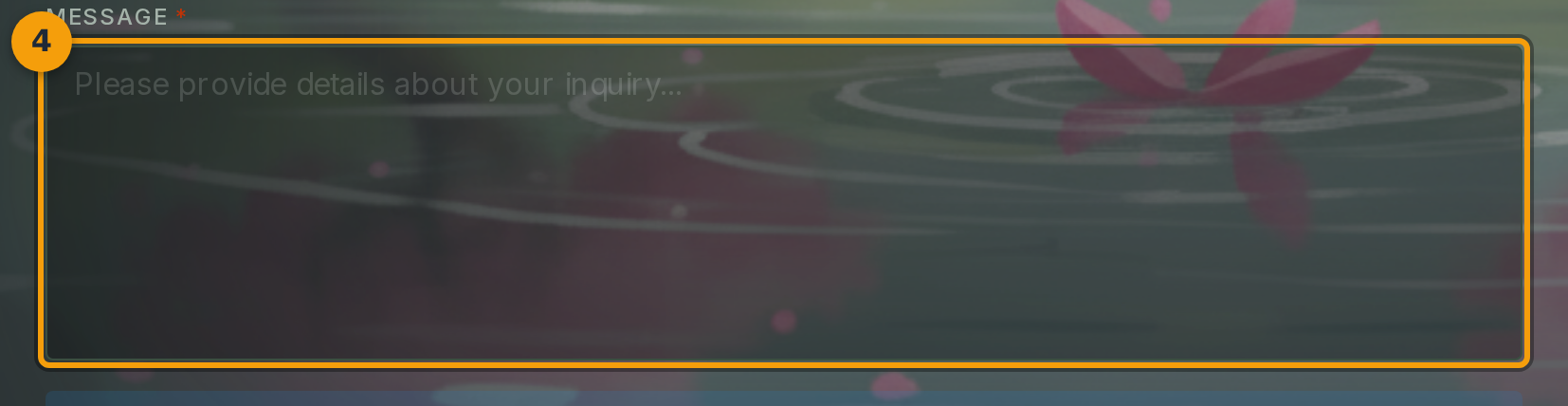
Click the Subject field (badge 4) and write a short summary of your issue.
Click the Message field below it and describe what you need help with. Include what you were trying to do, what happened instead, and any error text you saw.
Specific messages get faster responses. The support team can act on the first reply without needing to ask follow-up questions.
Step 5: Submit the form
Review your name, email address, subject, and message. When everything looks correct, click the Send button (badge 5).
A confirmation message appears once your message reaches the support inbox. You do not need to send a follow-up if you do not receive an instant reply. The team works through messages in order.