Send a Message to a Friend
Updated Jul 22, 2026
1 min read
Step 1: Open the Chats panel
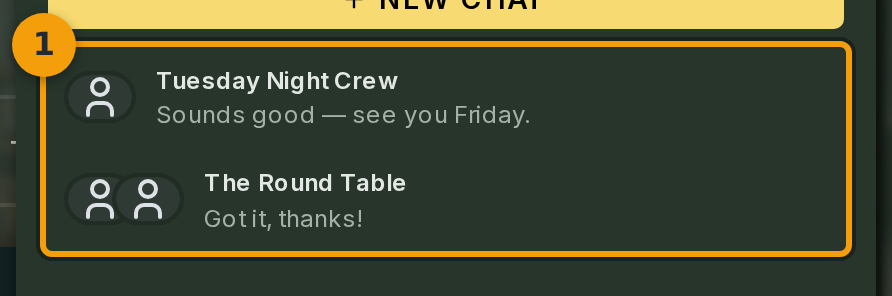
Click the Friends icon (badge 1) in the top navigation bar. This is the two-person icon, not a speech-bubble or messenger icon. The Chats panel opens on the right side of the screen.
Each row in the panel is a direct conversation with a friend. You see your existing conversations here, or an empty state if you have not chatted with anyone yet. Click the row for the friend you want to message.
Step 2: Open the conversation
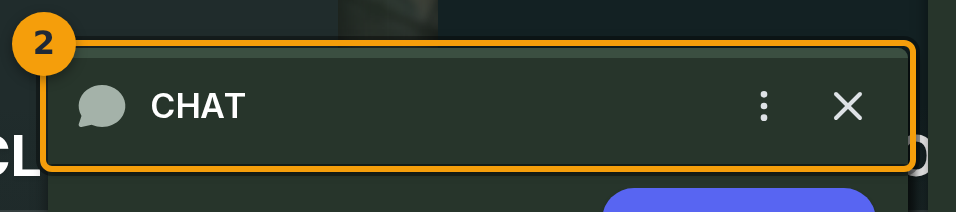
After clicking a conversation row, the chat opens in its own panel (badge 2). The header shows the name of the friend you are talking to.
Click their name in the header to view their full profile. To go back to the conversation list, click the back arrow at the top of the panel.
Step 3: Type your message
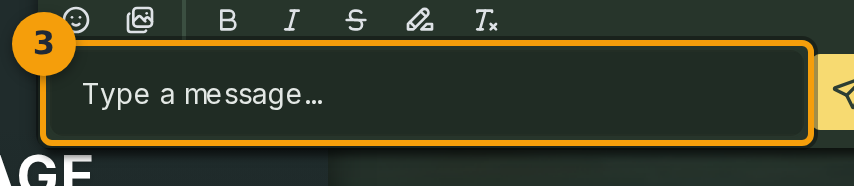
Click inside the composer field (badge 3) and type your message. The composer supports Markdown shortcuts: wrap text in ** for bold, * for italic, and ~~ for strikethrough.
Use the toolbar above the composer to insert emoji or GIFs without typing any markup.
Step 4: Send the message
Click Send (badge 4) to deliver your message. It appears in the conversation immediately and your friend receives a notification.