Preview a Dice Roll from the Cosmetics Tab
Updated Jul 22, 2026
1 min read
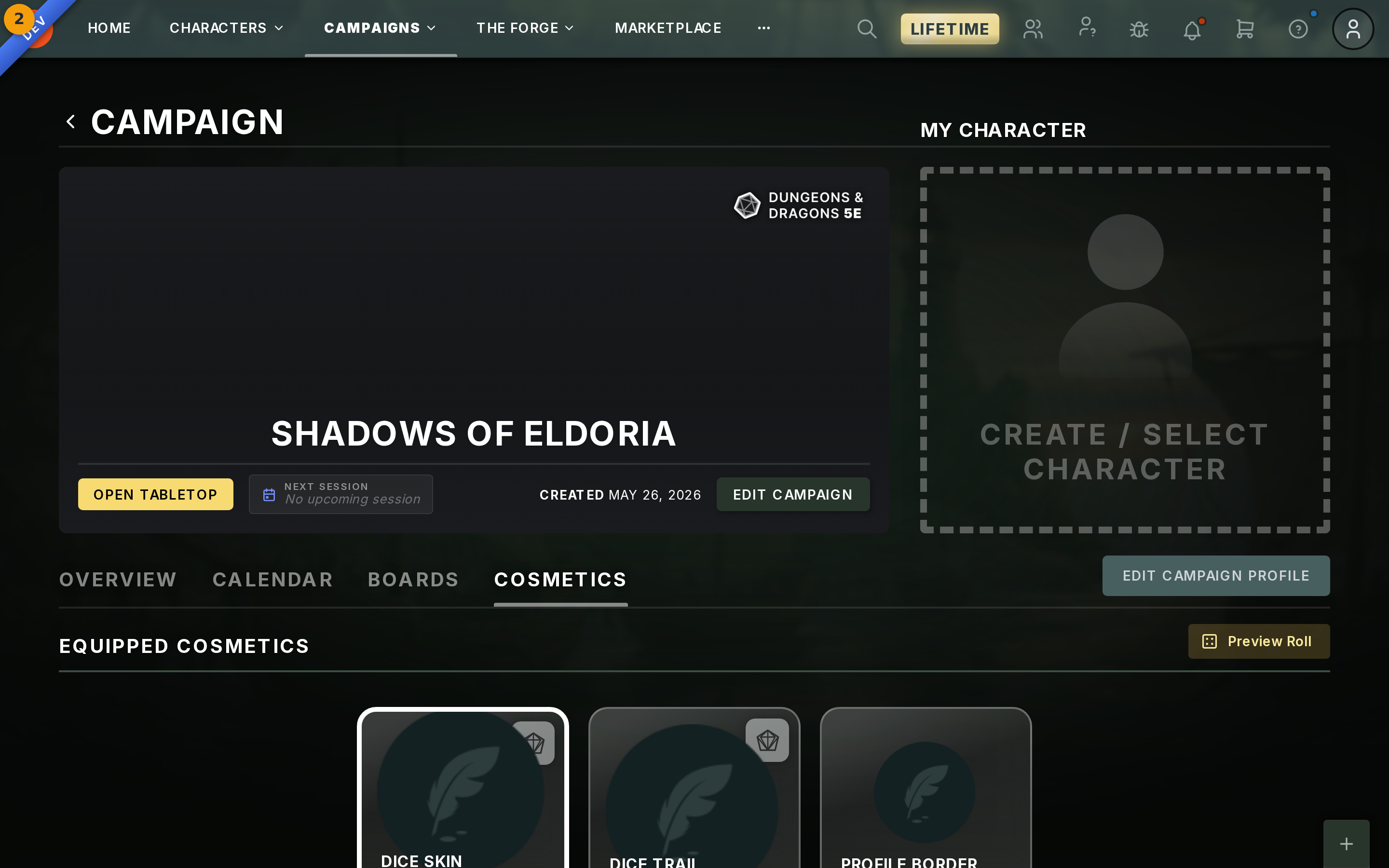
Step 1: Open the Cosmetics tab and click Preview Roll
Open any campaign in Fabled and select the Cosmetics tab. The Equipped Cosmetics panel loads with your active dice skin and trail.
Click Preview Roll (badge 1, top-right of the panel). Fabled fires a one-off d20 on the Unity canvas using whatever skin and trail you have equipped.
Step 2: Watch the roll result in the banner
The d20 rolls on the shared Unity canvas. A result banner appears so you can read the outcome at a glance.
Preview Roll uses the same rendering path as real rolls triggered by chat /roll commands, character sheet actions, and framework calls. If the skin and trail look correct here, they will look the same in a live session.